 by
by Losing a mobile phone is one of the most stressful experiences in today’s digital world. Our smartphones contain personal photos, private messages, banking apps, work emails, and sensitive data. Fortunately, modern technology offers several reliable ways to track a lost mobile phone’s location, whether it is an Android device or an iPhone.
In this detailed guide, you’ll learn how to track a lost mobile phone location, what tools to use, how to protect your data, and what to do if your phone is stolen. This article is written with SEO best practices and real-world usability in mind.
Why Tracking a Lost Mobile Phone Is Important
Before diving into methods, it’s important to understand why tracking a lost phone is critical:
-
Protects personal and financial data
-
Helps recover expensive devices
-
Prevents identity theft
-
Saves time and money
-
Allows remote locking or data erasure
With mobile theft and loss increasing worldwide, knowing how to locate your phone can make a huge difference.
Things to Do Immediately After Losing Your Phone
Before using any tracking tools, take these initial steps:
-
Stay calm and act quickly
-
Try calling your phone from another device
-
Check nearby locations (home, car, office)
-
Log in to your Google or Apple account
-
Ensure the phone is connected to the internet
Quick action improves your chances of successful tracking.
How to Track a Lost Android Phone Location
Android phones come with powerful built-in tracking features through Google.
Use Google Find My Device (Best Method)
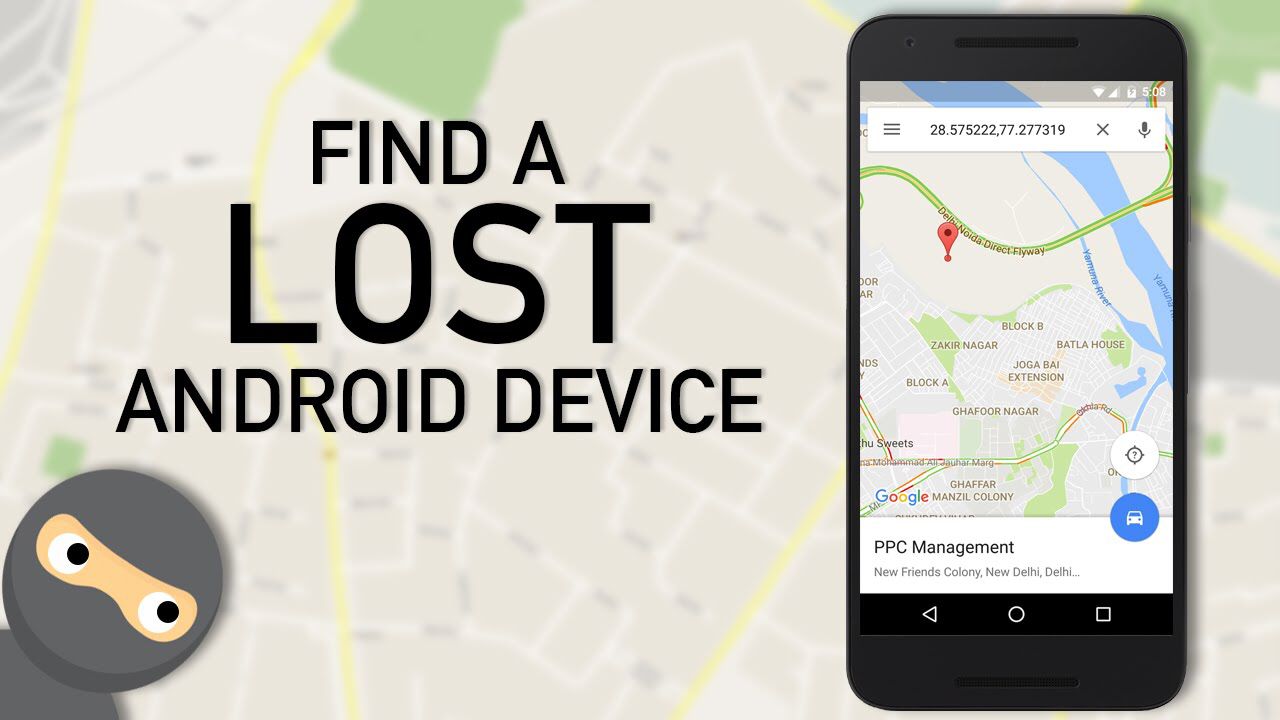
Google Find My Device is the most reliable way to track a lost Android phone.
Steps to Track Android Phone Location
-
Go to Find My Device website
-
Sign in with the Google account linked to the phone
-
Select the lost device from the list
-
View the real-time location on the map
Features of Find My Device
-
Ring phone at full volume
-
Lock phone remotely
-
Display a recovery message
-
Erase all data if phone is stolen
📌 The phone must be turned on, connected to the internet, and location services enabled.
Track Android Phone Using Google Maps Timeline
If the phone is offline, you can still check its last known location.
Steps
-
Open Google Maps
-
Tap your profile picture
-
Select Your Timeline
-
Choose the date the phone was lost
This method shows where the phone was last active.
Using IMEI Number to Track Android Phone
Every mobile phone has a unique IMEI number.
How to Use IMEI
-
File a police complaint
-
Provide IMEI number
-
Contact your mobile network provider
⚠️ IMEI tracking is mainly used by authorities and may take time.
How to Track a Lost iPhone Location
Apple provides excellent tracking through its Find My service.
Use Apple Find My iPhone
This is the most effective method for iPhone users.
Steps to Track iPhone
-
Visit iCloud.com
-
Log in with Apple ID
-
Click Find My
-
Select your lost iPhone
-
View its live location
Find My iPhone Features
-
Play sound
-
Enable Lost Mode
-
Track real-time movement
-
Erase device remotely
📌 Find My must be enabled before the phone is lost.
Track iPhone Using Another Apple Device
If you own another Apple product:
-
Open Find My app
-
Sign in with same Apple ID
-
Select your lost iPhone
This works even if the phone is in silent mode.
How to Track Lost Mobile Phone Using Mobile Number
Many users search for “track mobile location by number,” but here’s the truth:
❌ Exact live tracking using just a mobile number is not possible for privacy reasons.
What You Can Do Instead
-
Contact your mobile carrier
-
Request SIM blocking
-
Ask for last tower location (police involvement required)
Avoid fake websites claiming real-time number tracking.
Using Third-Party Mobile Tracking Apps
Several legitimate apps help track phones if installed beforehand.
Popular Mobile Tracking Apps
-
Life360
-
Prey Anti Theft
-
Cerberus
-
Family Locator
Pros
-
Real-time location
-
Geo-fencing alerts
-
Remote data control
Cons
-
Must be pre-installed
-
Some require paid subscriptions
⚠️ Avoid spyware or illegal tracking apps.
How to Track a Lost Phone Without Internet
Tracking without internet is difficult but not impossible.
Possible Options
-
Last known location via Google or Apple
-
IMEI tracking via carrier
-
Bluetooth tracking (Apple AirTag / Samsung SmartTag)
Once the phone reconnects to the internet, its location updates automatically.
What to Do If Your Phone Is Stolen
If you suspect theft:
-
Lock the phone immediately
-
Change passwords (email, banking, social media)
-
Block SIM card
-
File police complaint
-
Track using official tools
Never attempt to recover a stolen phone alone.
How to Prevent Losing Your Phone in the Future
Prevention is better than recovery.
Enable These Settings Now
-
Turn on Find My Device / Find My iPhone
-
Enable Location Services
-
Activate Google Maps Timeline
-
Set strong screen lock
-
Backup data regularly
Use Accessories
-
Bluetooth trackers
-
Smartwatches
-
Phone lanyards
Common Myths About Mobile Phone Tracking
❌ Myth 1: Track Any Phone by Number
Truth: Not possible without legal access.
❌ Myth 2: Free Websites Can Track Phones
Truth: Most are scams or malware.
❌ Myth 3: Phone Cannot Be Tracked If Switched Off
Truth: Last known location can still be viewed.
Location Tracer
Legal and Privacy Considerations
Tracking a phone must follow legal and ethical rules:
-
Track only your own device
-
Get consent when tracking family members
-
Avoid illegal surveillance apps
-
Follow local cyber laws
Unauthorized tracking is a criminal offense in many countries.
FAQs – Tracking Lost Mobile Phone Location
Can I track my phone if the SIM card is removed?
Yes, if it’s connected to Wi-Fi and logged into your account.
Can police track a stolen phone?
Yes, using IMEI and carrier data.
How accurate is mobile phone tracking?
Accuracy depends on GPS, Wi-Fi, and network availability.
Can a factory reset phone be tracked?
No, once reset and account removed, tracking stops.