 by
by In the fast-growing world of YouTube, branding is no longer optional—it’s essential. With millions of creators competing for attention, your channel’s visual identity plays a critical role in attracting viewers and building trust. One of the most important elements of that identity is your logo. This is where a YouTube logo generator becomes an invaluable tool.
Whether you’re a beginner launching your first channel or a seasoned creator rebranding your content, YouTube logo generators offer a fast, affordable, and creative way to design professional logos without needing advanced design skills. This article explores what YouTube logo generators are, how they work, their benefits, key features, and how to choose the right one for your channel.
What Is a YouTube Logo Generator?
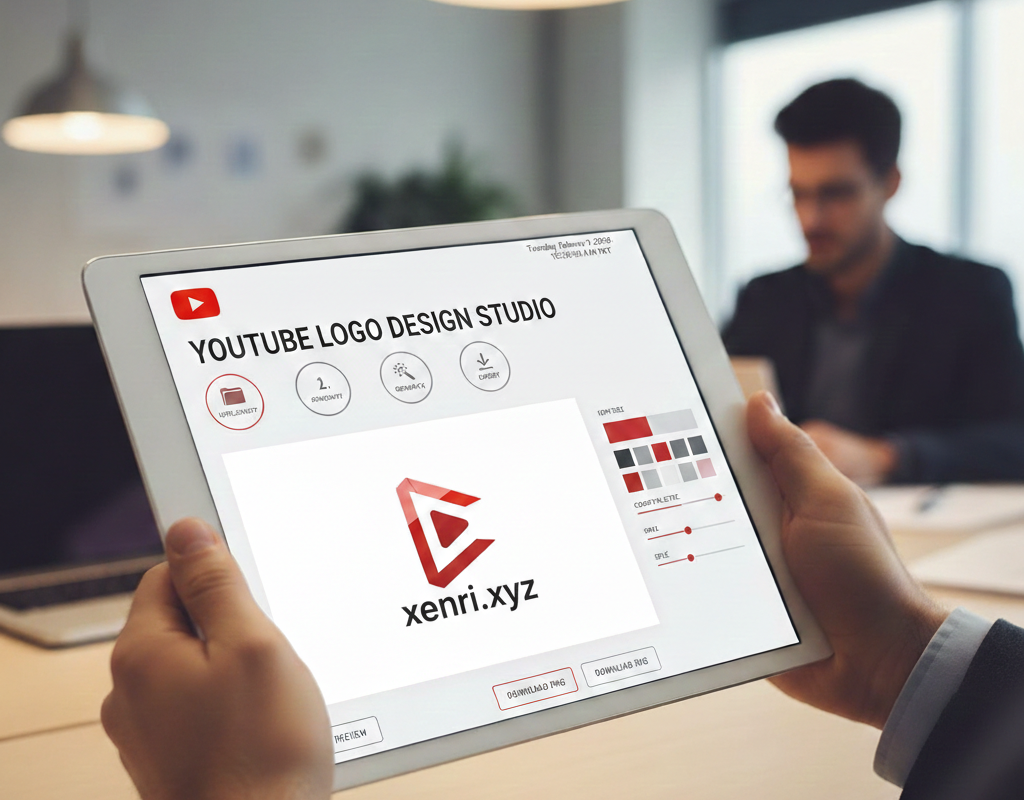
A YouTube logo generator is an online tool that allows users to create custom logos specifically tailored for YouTube channels. These tools typically use pre-designed templates, icons, fonts, and color palettes that can be customized to reflect your brand’s personality.
Most logo generators are powered by smart design systems or AI, making it easy for anyone—regardless of design experience—to create a visually appealing logo in minutes. Instead of hiring a professional designer or learning complex software, creators can simply input their channel name, select a style, and generate multiple logo options instantly.
Why a Logo Matters for Your YouTube Channel
Your logo is often the first thing people notice about your channel. It appears in your channel icon, video watermarks, thumbnails, and even on social media platforms where your content is shared.
Here’s why a strong logo is crucial:
-
Brand Recognition: A unique logo helps viewers remember your channel.
-
Professional Appearance: A polished logo builds credibility and trust.
-
Consistency: Logos create visual consistency across your channel and social media.
-
Audience Connection: The right design communicates your niche and tone instantly.
A YouTube logo generator helps you achieve all of this without breaking the bank.
How YouTube Logo Generators Work
Most YouTube logo generators follow a simple and user-friendly process:
-
Enter Your Channel Name: This is the foundation of your logo.
-
Choose Your Niche or Style: Gaming, beauty, tech, education, lifestyle, and more.
-
Select Icons and Symbols: Cameras, play buttons, initials, mascots, or abstract shapes.
-
Customize Colors and Fonts: Match your channel’s personality.
-
Preview and Edit: Adjust layout, size, and spacing.
-
Download Your Logo: Usually in high-resolution formats suitable for YouTube.
Some advanced tools use AI to suggest designs based on your inputs, saving even more time.
Benefits of Using a YouTube Logo Generator
1. Cost-Effective
Hiring a professional designer can be expensive. Logo generators offer free or low-cost options that deliver impressive results.
2. Time-Saving
What could take days or weeks with a designer can be done in minutes using a generator.
3. Beginner-Friendly
No graphic design experience is required. Everything is drag-and-drop and intuitive.
4. Customizable Designs
Despite using templates, you still have plenty of flexibility to personalize your logo.
5. Instant Results
You can see multiple logo concepts instantly and refine them on the spot.
Key Features to Look for in a YouTube Logo Generator
Not all logo generators are created equal. Here are some features to prioritize:
High-Resolution Downloads
Your logo should be sharp and clear, especially since YouTube displays it in small sizes.
YouTube-Optimized Dimensions
A good generator ensures your logo fits perfectly as a channel icon.
Font Variety
Typography plays a huge role in branding, so look for tools with diverse font options.
Icon Library
A wide selection of icons allows you to better represent your niche.
Color Customization
The ability to tweak colors helps align your logo with your brand identity.
Commercial Use Rights
Make sure the logo can be used legally for monetized channels.
Popular Uses of YouTube Logo Generators
YouTube logo generators aren’t just for new creators. They’re used across many scenarios:
-
New Channel Launches
-
Channel Rebranding
-
Seasonal or Thematic Updates
-
Gaming Clan Logos
-
Personal Brand Channels
-
Business and Educational Channels
Because of their flexibility, these tools are useful for both personal and professional creators.
Tips for Designing an Effective YouTube Logo
Using a generator doesn’t mean you should ignore design principles. Keep these tips in mind:
Keep It Simple
Logos are displayed small on YouTube. Avoid cluttered designs.
Use Readable Fonts
Fancy fonts may look good large, but readability is key at small sizes.
Choose the Right Colors
Colors evoke emotions. Pick shades that reflect your channel’s tone.
Make It Scalable
Your logo should look good on both small icons and larger banners.
Stay On-Brand
Your logo should match your content style—fun, serious, bold, or minimal.
Free vs. Paid YouTube Logo Generators
Free Generators
-
Great for beginners
-
Limited customization
-
Watermarks may be present
-
Fewer download formats
Paid Generators
-
High-quality files
-
Full customization
-
No watermarks
-
Commercial usage rights
If your channel is monetized or growing, investing in a premium option is often worth it.
Common Mistakes to Avoid
Even with powerful tools, creators can make mistakes:
-
Using too many colors
-
Copying popular logos instead of being original
-
Ignoring brand consistency
-
Choosing trendys overly complex designs
-
Not checking how the logo looks on mobile
Avoiding these pitfalls ensures your logo strengthens your channel instead of hurting it.
Future of YouTube Logo Generators
As AI technology advances, YouTube logo generators are becoming smarter and more personalized. Future tools are likely to offer:
-
AI-powered branding suggestions
-
Animated logo options
-
Automatic thumbnail integration
-
Cross-platform branding kits
These innovations will make it even easier for creators to establish a strong visual presence.
Final Thoughts
A YouTube logo generator is one of the most practical tools available to content creators today. It empowers anyone to create a professional, eye-catching logo without design expertise or a large budget. In a platform where first impressions matter, having a well-designed logo can set you apart and help your channel grow.
Whether you’re starting fresh or refining your brand, a YouTube logo generator gives you the creative control and convenience you need to stand out in the crowded YouTube landscape. Take the time to experiment, customize, and refine—your logo is the face of your channel, and it deserves to shine.